If you’ve ever typed “best CMS for startups” into Google at 11 p.m. while your co-founder is asking why the website still isn’t live, you’re not alone. Picking a content management system feels like it should be simple until you realize the wrong choice can mean rebuilding your entire site six months from now, right when you’re supposed to be focused on customers, not code.
For Learn About: How to Build a Website That Converts Visitors Into Customers
A content management system, or CMS, is the software that lets you create, edit, and publish content on your website without needing a developer for every single change. For a startup, that one decision affects how fast you can launch, how much you’ll spend on maintenance, and how easily your site can grow alongside your business.
For Learn About: Build a Website With AI in One Day
In this guide, we’ll walk through what actually matters when choosing a CMS at the startup stage, compare the platforms founders reach for most often, and help you land on the one that fits your team, your budget, and your growth plans without the guesswork.
What Makes a CMS “Good” for a Startup? (It’s Not What You Think)
Most CMS comparison articles rank platforms by feature count. That’s the wrong lens for a startup. Early-stage companies have different constraints than established enterprises: limited budget, small (or no) dev team, and a real need to move fast without locking themselves into decisions they’ll regret at scale.
Here’s what actually matters when you’re evaluating options:
1. Speed to Launch
You need a live site in days, not months. A CMS with a steep learning curve or a complicated setup process eats into the runway you don’t have to spare.
2. Total Cost of Ownership
The sticker price isn’t the real cost. Factor in hosting, plugins, themes, developer hours, and security maintenance. A “free” CMS can end up costing more than a paid one once you add everything up.
3. Scalability
Your five-page landing site today might need to support a blog, a knowledge base, gated content, and multilingual pages in eighteen months. Choose a platform that can grow with you instead of one you’ll outgrow.
4. Non-Technical Usability
If your marketing hire can’t publish a blog post without pinging engineering, that’s friction you don’t need. Startups move fastest when non-developers can self-serve on content.
5. SEO Flexibility
Since organic search is often a startup’s cheapest acquisition channel, your CMS needs to support clean URLs, fast page speed, structured data, and easy meta tag control out of the box.
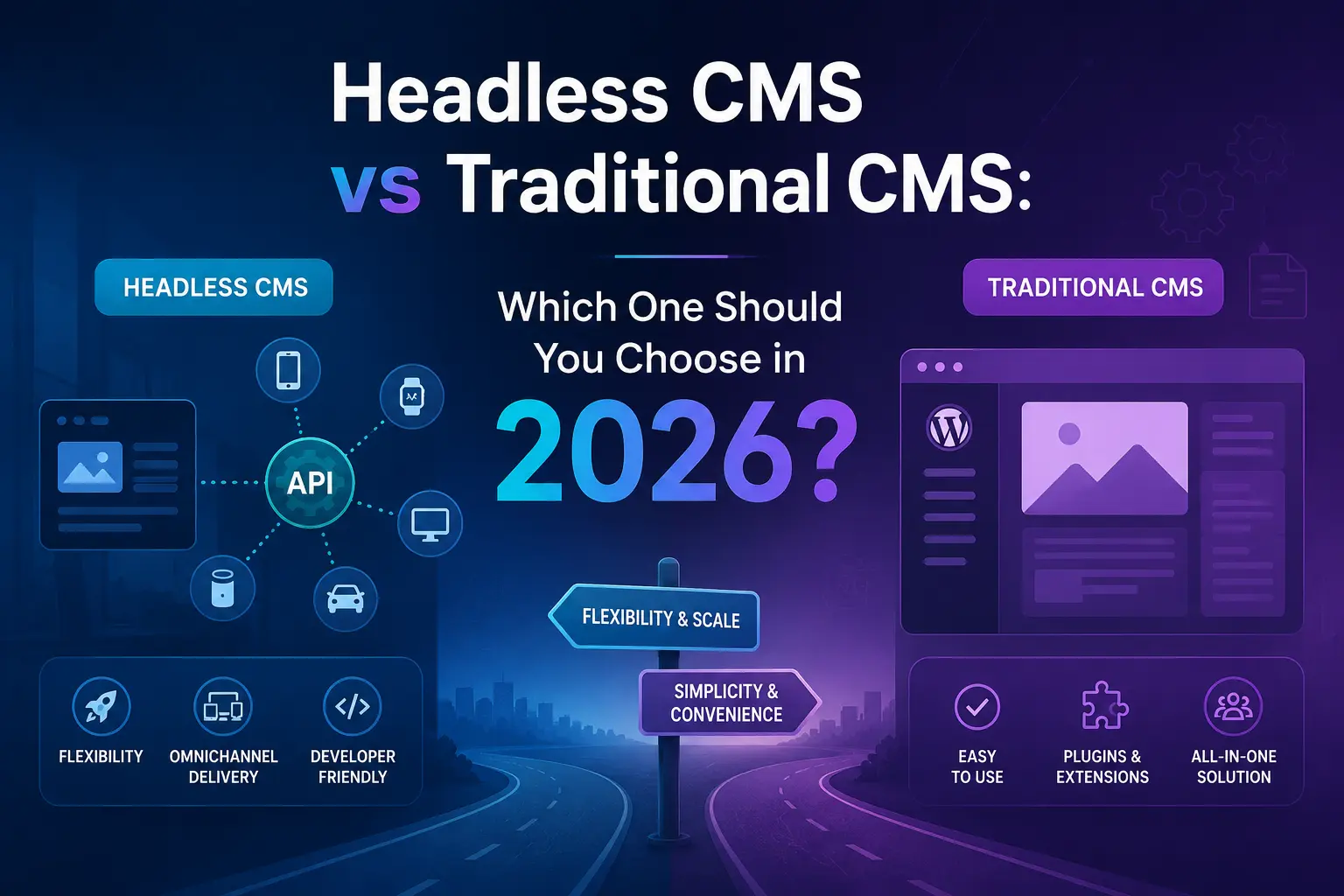
For Learn About: Headless CMS vs Traditional CMS
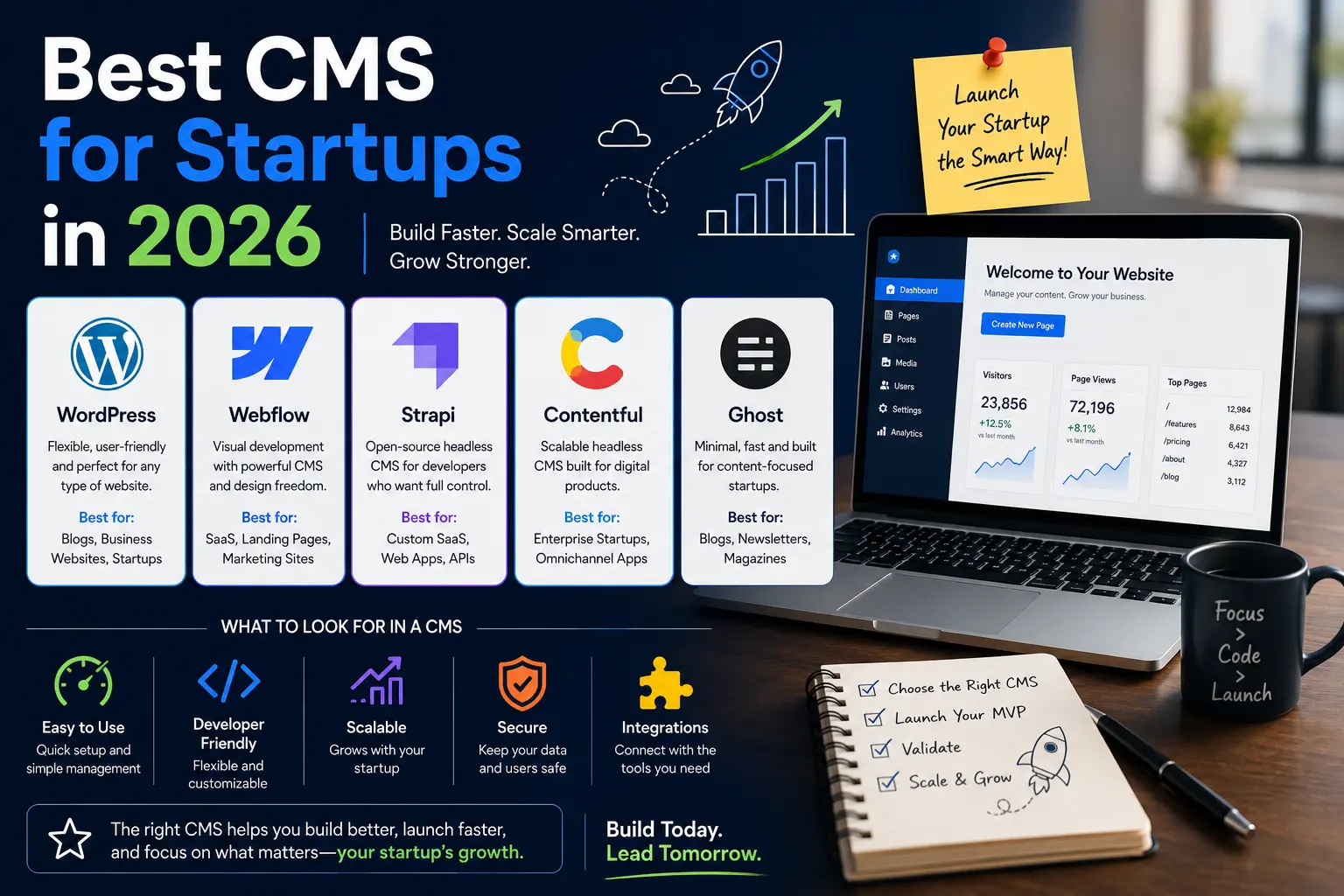
Top CMS Platforms for Startups, Compared
Here’s a practical breakdown of the platforms startups actually use, and where each one shines.
WordPress: The Flexible All-Rounder
WordPress still powers a huge share of the web, and for good reason: it’s flexible, has a massive plugin ecosystem, and works for nearly any use case, from a simple blog to a full e-commerce store via WooCommerce.
Best for: Startups that want maximum customization and don’t mind a bit of a learning curve.
Watch out for: Plugin bloat and security maintenance. Without regular updates, WordPress sites can become vulnerable, so budget for either a managed host or ongoing technical upkeep.
Webflow: Design-First, No-Code Friendly
Webflow lets founders and designers build visually polished sites without writing code, while still giving developers access to clean, exportable code underneath. It’s become a favorite for startups that care about brand and design from day one.
Best for: Design-conscious startups, especially those building marketing sites or landing pages pre-product-market-fit.
Watch out for: Content-heavy blogs can get pricier as your CMS collection items grow, and the learning curve for advanced interactions isn’t trivial.
Wix: The Fastest Way to Get Online
Wix remains one of the quickest ways to get a professional-looking site live with zero technical skill required. Drag-and-drop builders, built-in hosting, and templates make it a low-friction starting point.
Best for: Very early-stage startups or solo founders who need a site up this week, not this quarter.
Watch out for: Limited flexibility if you outgrow the platform, migrating off Wix later can mean starting from scratch.
Ghost: Built for Content-First Startups
If your growth strategy leans heavily on publishing newsletters, thought leadership, and a blog-first content engine Ghost is purpose-built for speed and simplicity in content publishing, with built-in newsletter and membership tools.
Best for: Startups running a content or media-driven growth strategy.
Watch out for: It’s less suited to complex, multi-page marketing sites or e-commerce.
Contentful: Headless CMS for Product-Led Teams
Contentful is a headless CMS, meaning it separates content management from how that content is displayed. Developers pull content via API into whatever front-end framework they’re using: React, Next.js, you name it.
Best for: Startups with an engineering team building custom web or app experiences, or those planning to publish content across multiple platforms (web, app, IoT).
Watch out for: It’s not beginner-friendly. You’ll need developer resources to get real value from it.
Squarespace: Clean Templates, Minimal Fuss
Squarespace sits between Wix and Webflow, with better design quality than most drag-and-drop builders and less complexity than a fully custom build. Templates are polished out of the box.
Best for: Startups that want an attractive site fast without deep customization needs.
Watch out for: Like Wix, it can be limiting once your content or functionality needs grow complex.
Shopify: The Startup Standard for E-Commerce
If your startup is selling physical or digital products, Shopify remains the default choice. It handles inventory, payments, shipping integrations, and storefront design in one platform, with an app ecosystem that covers almost any need.
Best for: Product-based and e-commerce startups.
Watch out for: Transaction fees and app costs can add up as you scale, so model your total cost before committing to a plan tier.
For Learn About: Integrate Payment System in Website
How to Choose the Right CMS for Your Startup
With the options laid out, here’s a simple framework to narrow it down:
Match the CMS to Your Growth Stage
Pre-launch or pre-funding? Prioritize speed and low cost (Wix, Squarespace). Post-seed with a content or design focus? Look at Webflow or Ghost. Scaling with an engineering team? Consider a headless option like Contentful.
Map Out Your Content Needs for the Next 12 Months
Will you need a blog, gated resources, a knowledge base, or multilingual pages? Choose a CMS that supports where you’re headed, not just where you are today.
Set a Realistic Budget Including Hidden Costs
Add up hosting, themes, plugins, and any developer time you’ll need. A platform that looks cheaper upfront isn’t always cheaper over a year.
Test Before You Commit
Most CMS platforms offer free trials or free tiers. Build a sample page before signing a contract or committing engineering time it’s the fastest way to catch usability issues early.
Plan for SEO from Day One
Whichever platform you choose, make sure it supports clean URL structures, custom meta titles and descriptions, fast page load speeds, and schema markup. Retrofitting SEO onto a poorly structured site later is far more expensive than building it in from the start.
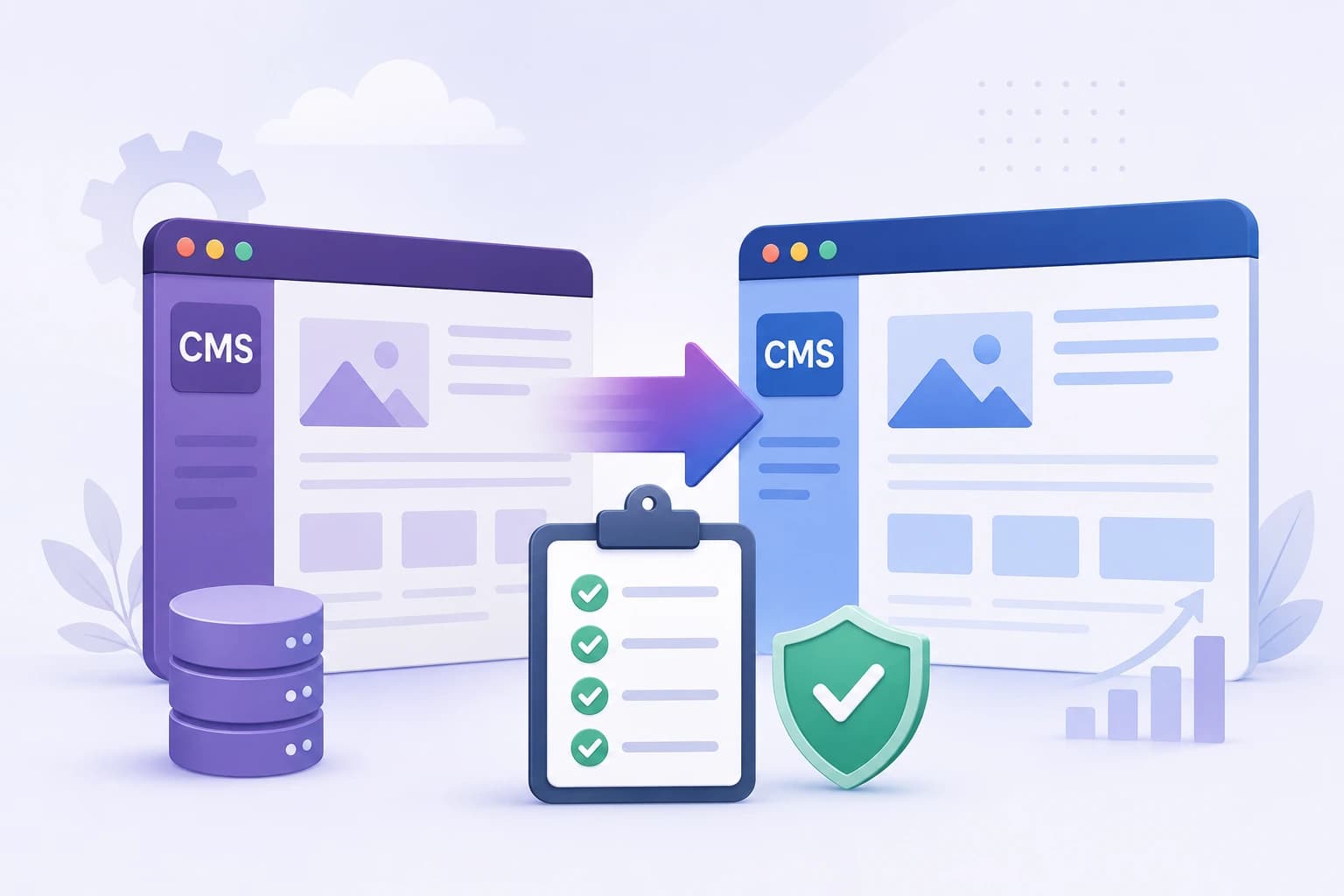
For Learn About: CMS Migration Checklist
Common Mistakes Startups Make When Choosing a CMS
- Over-engineering too early. Choosing a complex headless CMS before you have the engineering bandwidth to use it well.
- Ignoring the total cost of ownership. Focusing only on the monthly subscription while ignoring plugin, app, and maintenance costs.
- Skipping the content plan. Picking a platform based on design alone, without mapping out how content will actually be structured and published.
- Underestimating SEO needs. Assuming SEO can be “added later” instead of building it into the platform choice from day one.
Frequently Asked Questions
Ans. Wix and Squarespace are generally the easiest options for non-technical founders, offering drag-and-drop builders and built-in hosting with no coding required.
Ans. Yes. WordPress remains a strong choice for startups that want flexibility and a large plugin ecosystem, though it requires more ongoing maintenance than fully hosted platforms like Wix or Squarespace.
Ans. A traditional CMS manages both content and how it’s displayed on the front end. A headless CMS, like Contentful, only manages content, which developers then display using a separate front-end framework, offering more flexibility for custom builds.
Ans. WordPress and Webflow are typically strongest for SEO, since both offer granular control over URLs, meta tags, page speed, and structured data. The right choice still depends on your team’s technical capacity to use those tools well.
Ans. It depends on the total cost of ownership, not just the sticker price. A “free” CMS like self-hosted WordPress can end up costing more once you factor in hosting, plugins, security, and developer time compared to a paid, fully managed platform.
Final Thoughts: Choose for Where You’re Going, Not Just Where You Are
There’s no single “best” CMS for every startup the right choice depends on your team’s technical skill, your growth stage, your content strategy, and your budget. What matters most is choosing a platform that lets you move fast now while giving you room to scale later, especially when it comes to SEO and content structure.