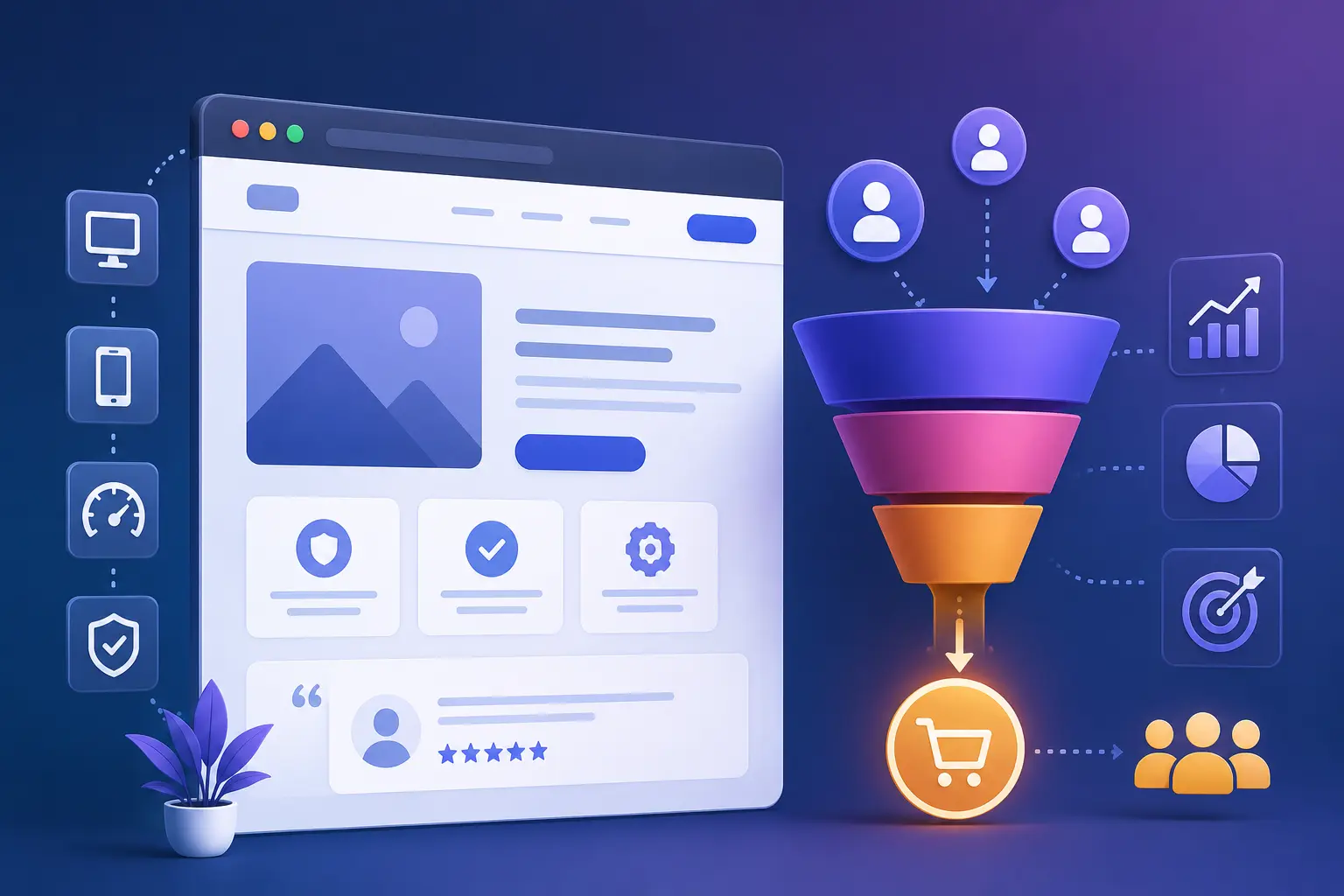
Your analytics dashboard tells a familiar story: steady traffic, plenty of page views, and almost nothing to show for it. People land on your site, click around for a few seconds, and leave without buying, booking, or filling out a single form. If that sounds like your website, the problem usually isn’t a lack of visitors. It’s what happens to them once they arrive.
Building a website that converts visitors into customers isn’t about flashy animations or clever design trends. In practice, it comes down to a small set of testable elements: clarity, speed, trust, and a frictionless path to action. This guide walks through exactly what those elements look like, why most business websites get them wrong, and how to fix them one at a time — whether you run an online store, a service business, or a B2B site built around lead generation.
By the end, you’ll have a practical, checklist-style framework you can apply to your own site this week, not just abstract theory.
Need these fixes done for you, fast?
If your website needs a focused conversion fix — a new hero section, faster load times, or a redesigned checkout flow — I offer packaged Shopify and website conversion services on Fiverr:
What Does It Actually Mean for a Website to “Convert”?
A conversion happens any time a visitor completes the action you actually want them to take — buying a product, booking a consultation, submitting a contact form, or subscribing to your list. Your conversion rate is simply the percentage of visitors who complete that action during a given period.
It helps to know where you stand before you start changing things, because “good” varies a lot depending on industry, device, and where the traffic comes from. Recent 2026 benchmark data shows just how wide that range is:
| Segment | Typical 2026 Conversion Rate | Notes |
|---|---|---|
| Global e-commerce average | 2.5% – 3.0% | Blended figure across all industries; treat as a floor, not a target |
| Food & beverage (highest) | 4.5% – 6.0% | Frequent, low-consideration repeat purchases |
| Luxury & jewelry (lowest) | 0.8% – 1.4% | High price point, longer research cycle |
| Email traffic | 4.0% – 5.3% | Warmest, highest-intent traffic source |
| Paid social traffic | 0.7% – 1.2% | Cold audience, lowest average intent |
| Desktop devices | 3.5% – 4.0% | Outperforms mobile despite lower traffic share |
| Mobile devices | 1.8% – 2.8% | Drives 65–75% of traffic but converts lower |
| Returning visitors | 4.5% – 6.0% | Trust already established; biggest single lever |
| B2B form submissions | 2.1% – 5.0% | Varies by offer type: demo, trial, or content download |
The takeaway is not to chase a single magic number. It’s to benchmark against your own industry and traffic mix, then focus on the biggest leak in your funnel rather than obsessing over a sitewide average.
Why Most Websites Fail to Convert Visitors (Even With Decent Traffic)
Before adding anything new to your site, it’s worth understanding where visitors typically give up. The same handful of problems show up across almost every industry and business size.
1. Slow Load Times Push Visitors Away Before They See Anything
Page speed is still one of the biggest silent conversion killers. Research going back years has consistently shown that bounce rates climb sharply once load time crosses the two-to-three-second mark, and that pattern hasn’t changed in 2026 — if anything, expectations have gotten stricter as mobile connections and competing sites get faster.
2. The Value Proposition Isn’t Clear in the First Five Seconds
Visitors decide almost instantly whether a page is relevant to them. If your homepage or landing page doesn’t answer “what is this, who is it for, and why should I care” within the first screen, most people simply won’t scroll to find out.
3. Calls-to-Action Are Vague, Buried, or Missing
A generic “Learn More” button asks visitors to do extra mental work. Specific, benefit-led CTAs like “Get My Free Quote” or “Start My 14-Day Trial” consistently outperform vague ones because they tell the visitor exactly what happens next.
4. There’s No Trust Signal Reassuring a First-Time Visitor
New visitors have no reason to trust an unfamiliar business yet. Without reviews, real client examples, security badges, or clear contact details, even a well-designed page can feel risky enough to abandon.
5. Forms and Checkout Ask for Too Much, Too Soon
Checkout and lead-form friction is one of the most measurable conversion leaks in existence. Industry research from Baymard Institute found that a typical checkout flow displays close to two dozen form fields by default — far more than most purchases actually require. Every unnecessary field is another reason to leave.
The 7 Core Elements of a Website That Converts Visitors Into Customers
Once you know where visitors typically drop off, the fix is usually one of these seven elements. Most underperforming websites are missing two or three of them, not all seven.
1. A Clear, Specific Value Proposition
Your headline should answer one question in plain language: what do you do, and who is it for? Avoid vague industry jargon. “Affordable bookkeeping for Karachi-based small retailers” converts better than “Innovative financial solutions.”
2. Fast, Mobile-First Performance
With most traffic now arriving on mobile, your site needs to load quickly and function cleanly on a small screen before anything else. Compress images, limit heavy scripts, and test your actual load time rather than assuming it’s fine.
3. Intuitive Navigation and a Logical User Journey
Every page should have an obvious next step. A visitor reading a blog post should see a natural path toward a product page, a service page, or a contact form — not a dead end.
4. Strategic, Action-Oriented CTAs
Place calls-to-action where decisions naturally happen: after you’ve explained a benefit, at the end of a product description, and in your navigation bar. Repeating the same CTA in slightly different wording throughout a page keeps it visible without feeling repetitive.
5. Trust Signals and Social Proof
Testimonials with real names, case studies with specific numbers, client logos, certifications, and visible contact information all reduce the perceived risk of taking action. This matters even more for newer or smaller businesses that don’t yet have brand recognition to fall back on.
6. Frictionless Forms and Checkout
Cut every form field that isn’t strictly necessary for the first step. You can always collect more information after the initial conversion. Offering guest checkout, multiple payment options, and a visible progress indicator all reduce abandonment.
7. Persuasive, Benefit-Led Copywriting
Describe outcomes, not just features. Instead of “Our software includes automated invoicing,” try “Stop chasing late payments — invoices go out and get tracked automatically.” Address the objection a skeptical visitor is silently thinking, rather than ignoring it.
Need these fixes done for you, fast?
If your website needs a focused conversion fix — a new hero section, faster load times, or a redesigned checkout flow — I offer packaged Shopify and website conversion services on Fiverr:
Building Trust Fast: Applying E-E-A-T Principles to Your Website
Google’s Helpful Content and E-E-A-T framework (Experience, Expertise, Authoritativeness, Trustworthiness) isn’t only about blog content — it reflects the same signals visitors themselves look for before buying from an unfamiliar site.
- Experience: Show real photos of your product, team, workspace, or process — not generic stock imagery.
- Expertise: Publish clear, accurate information about your service, pricing, and process instead of vague marketing copy.
- Authoritativeness: Display credentials, partnerships, press mentions, or years in business where relevant.
- Trustworthiness: Make your refund policy, contact details, and business address easy to find, and keep security certificates (HTTPS) and payment badges visible at checkout.
These same signals double as ranking factors and conversion factors at once — a rare case where good SEO practice and good CRO practice point in exactly the same direction.
Quick-Reference Website Conversion Checklist
| Area | What to Check | Priority |
|---|---|---|
| Page speed | Homepage and key landing pages load under 2–3 seconds on mobile | High |
| Value proposition | Visible and understandable within the first screen, no scrolling needed | High |
| CTA clarity | Every page has one obvious, specific next step | High |
| Trust signals | Reviews, testimonials, or case studies visible near key decision points | High |
| Forms | Only essential fields requested at first step | Medium |
| Mobile experience | Buttons, menus, and checkout tested on an actual phone | High |
| Navigation | No dead-end pages; every page links somewhere useful | Medium |
| Analytics | Conversion tracking set up so you can measure what actually works | Medium |
Why Websites Also Need to Convert AI-Referred Visitors
A growing share of website traffic now arrives after someone asks an AI assistant like ChatGPT, Perplexity, or Google’s AI Overview a question and clicks through to your site for more detail. This kind of visitor behaves differently: they’ve already read a summary of what you offer, so they land with higher intent but also higher expectations of an immediate, specific answer.
To convert this traffic well, keep your key facts — pricing, process, location, guarantees — stated in plain, scannable text near the top of the relevant page, rather than buried in a PDF or a long paragraph. Structured content (clear headings, short answers, comparison tables) that works well for AI citation also happens to convert human visitors faster, because it removes the need to hunt for information.
Website Conversion Tips for Pakistani and South Asian Businesses
Local context changes a few details of the conversion equation. Businesses selling to Pakistani customers typically see better results by:
- Offering Cash on Delivery (COD) alongside card payment, since many first-time online buyers still prefer it
- Adding a visible WhatsApp chat button, which often converts hesitant visitors better than a contact form
- Supporting local payment rails such as JazzCash and EasyPaisa at checkout, not just international gateways
- Showing a real local phone number and city, which noticeably increases trust for first-time buyers researching an unfamiliar brand
Frequently Asked Questions
For most e-commerce sites, 2.5% to 3% is a reasonable industry-wide benchmark, though the number swings from under 1% in luxury goods to over 5% in food and beverage. For B2B lead-generation sites, 2% to 5% for form submissions is considered solid. The more useful question is whether your rate is improving against your own past performance and your specific industry, not a generic global average.
Start with the biggest leak, not the smallest tweak. Check page speed first, then make sure your value proposition and main CTA are visible without scrolling, then add trust signals like reviews near your buy button or contact form. Small, sequential improvements tested one at a time usually outperform a full redesign.
This is almost always a mismatch between what your traffic expects and what your page delivers, or friction somewhere in the path to purchase. Common culprits include slow load times, an unclear offer, a confusing checkout, or a total absence of trust signals for first-time visitors who don’t yet know your brand.
Not always. Many small businesses can improve conversions significantly just by fixing copy, CTAs, and page speed on their existing site. A developer or CRO specialist becomes worth it when you need structural changes — a rebuilt checkout flow, custom animations, or a full platform migration — that go beyond what a website builder’s default settings allow.
Simple fixes like improving page speed or rewriting a headline can show measurable movement within one to two weeks. Structural changes, like redesigning a checkout flow, typically need two to four weeks of traffic before you can trust the results statistically, since you need enough conversions in each version to be confident the difference isn’t random.
Final Thoughts: Turn Your Website Into Your Best Salesperson
A website that converts visitors into customers isn’t built through guesswork or one big redesign. It’s built by systematically closing the gaps: faster load times, a clearer offer, stronger trust signals, and a checkout or contact process that doesn’t fight the visitor at every step. Start with the checklist above, fix the highest-priority items first, and measure the impact before moving to the next change.
If you’d like a related read next, check out our in-depth guide on Core Web Vitals and how site speed directly affects both Google rankings and checkout completion — it pairs naturally with everything covered here.
Ready to turn more of your traffic into paying customers?
If you’d like a hands-on partner to audit, redesign, or rebuild your website around conversion — from Shopify stores to custom business sites — I’d be glad to help. Take a look at my full portfolio and client reviews: