Introduction
Many businesses start on Wix because it’s easy. But as traffic, SEO goals, and functionality grow, Wix often becomes limiting. If you’re planning to migrate from Wix to a custom website, you’re probably worried about losing rankings, breaking URLs, or damaging your SEO.
This guide walks you through a complete, SEO‑safe migration process based on real-world experience so you can scale your website without losing traffic.
Need Help With Migration?
For Learn About: Website rebuild strategy, Click Here!
Why Move from Wix to Custom Website?
Wix is beginner-friendly, but it has limitations:
– Limited backend flexibility
– Slower page speed compared to custom builds
– SEO limitations for advanced strategies
– Difficult scalability for large businesses
For Learn About: custom CMS vs framework & React website development, Click Here!
A custom website gives full control over performance, UX, and SE
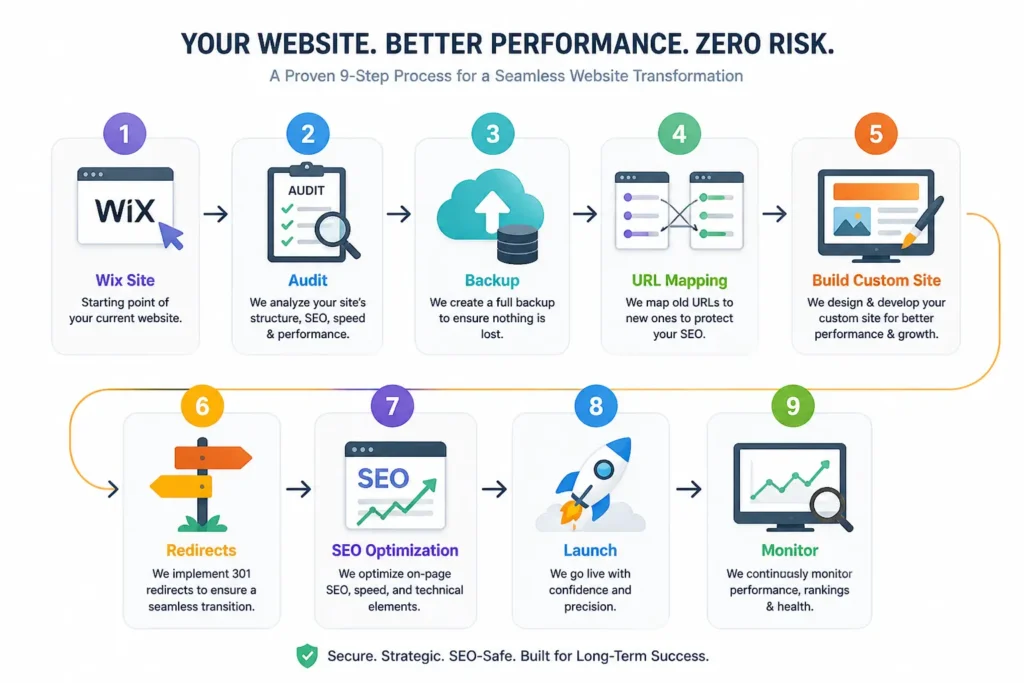
Step-by-Step Wix Migration Process
1. Audit Your Current Website
Export all URLs, check traffic pages, and identify high-performing content. This prevents losing SEO value.
2. Backup Content
Save all content, images, blog posts, and metadata before migration.
3. Plan URL Structure
Keep URLs similar or map redirects to avoid ranking loss.
4. Implement 301 Redirects
Redirect old Wix URLs to new custom URLs to preserve SEO authority.
5. Optimize New Website
Improve page speed, mobile UX, schema markup, and technical SEO for better rankings.
6. Submit to Google Search Console
Re-submit sitemap and monitor errors after migration.
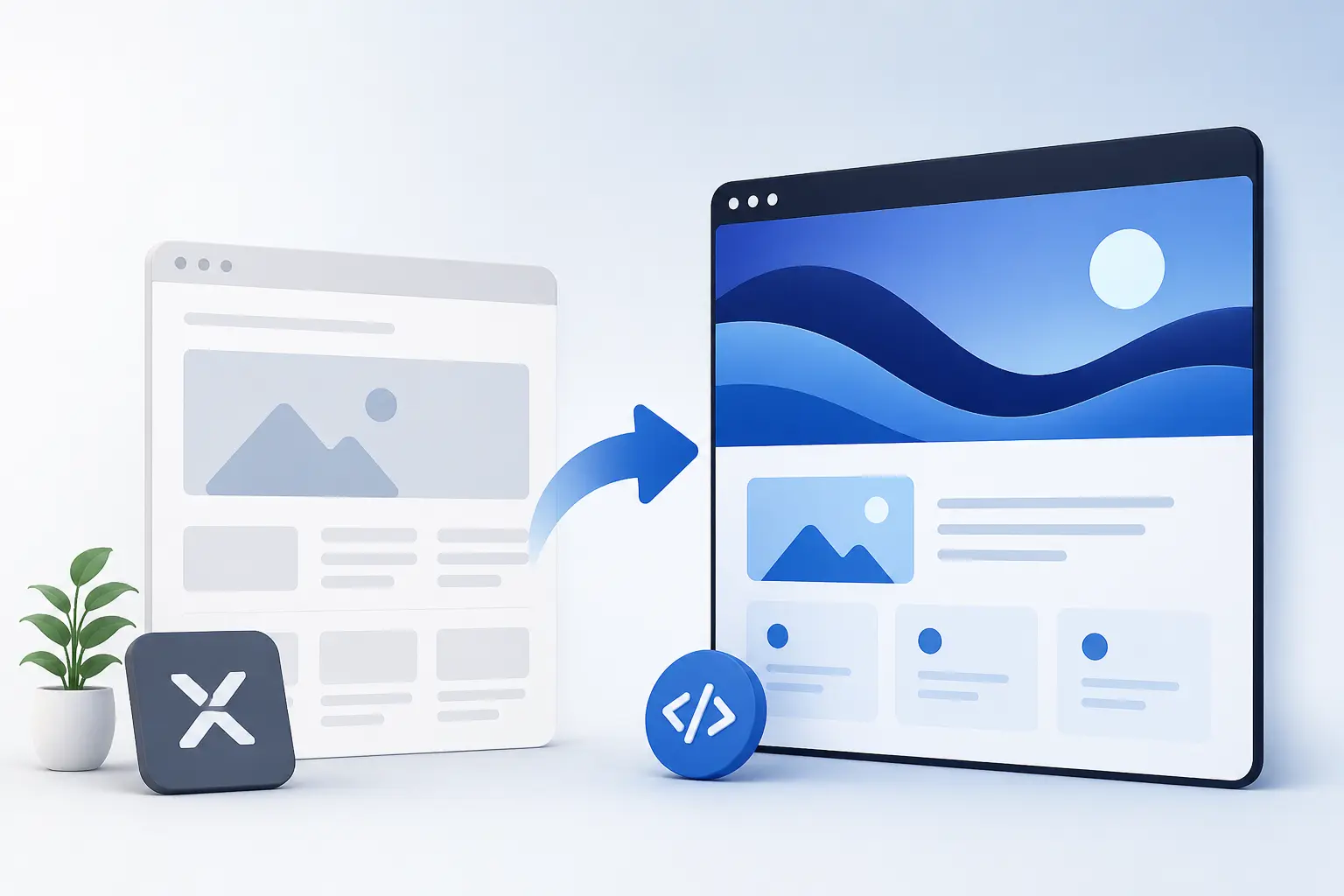
Migration Flow
Want a Done-For-You Migration?
Common Migration Mistakes to Avoid
– Not using redirects
– Changing all URLs
– Ignoring mobile UX
– Skipping technical SEO checks
– Not monitoring rankings post-launch
FAQs
If done correctly with redirects and SEO planning, you can maintain or improve rankings.
Typically 1–4 weeks depending on website size and complexity.
Yes. Custom websites offer better speed, control, and advanced optimization options.
Conclusion
Migrating from Wix to a custom website is a smart move if you want scalability and better SEO performance. With the right migration strategy, you can protect rankings and unlock growth.
For Learn About: WordPress alternatives, Click Here!
Ready to Migrate?
Let’s migrate your website safely and scale your business with a high-performance custom site.