Your WordPress site is slow. Your Lighthouse score is in the red. Plugins conflict, security patches never end, and your developers are begging for a modern stack. Sound familiar? Every month you delay costs you conversions, rankings, and developer sanity.
Converting WordPress to React is one of the most impactful infrastructure decisions a growing SaaS or content-driven business can make. Done right, it unlocks sub-second load times, a clean API-driven architecture, and a frontend your developers will actually enjoy working in. Done wrong, it’s a months-long nightmare that breaks your SEO and loses your content.
This guide walks you through every step — architecture decisions, API setup, costs, and the critical mistakes that sink most migrations.
To learn about WordPress headless migration & Traditional WordPress vs headless, Click Here!
What Does “Convert WordPress to React” Actually Mean?
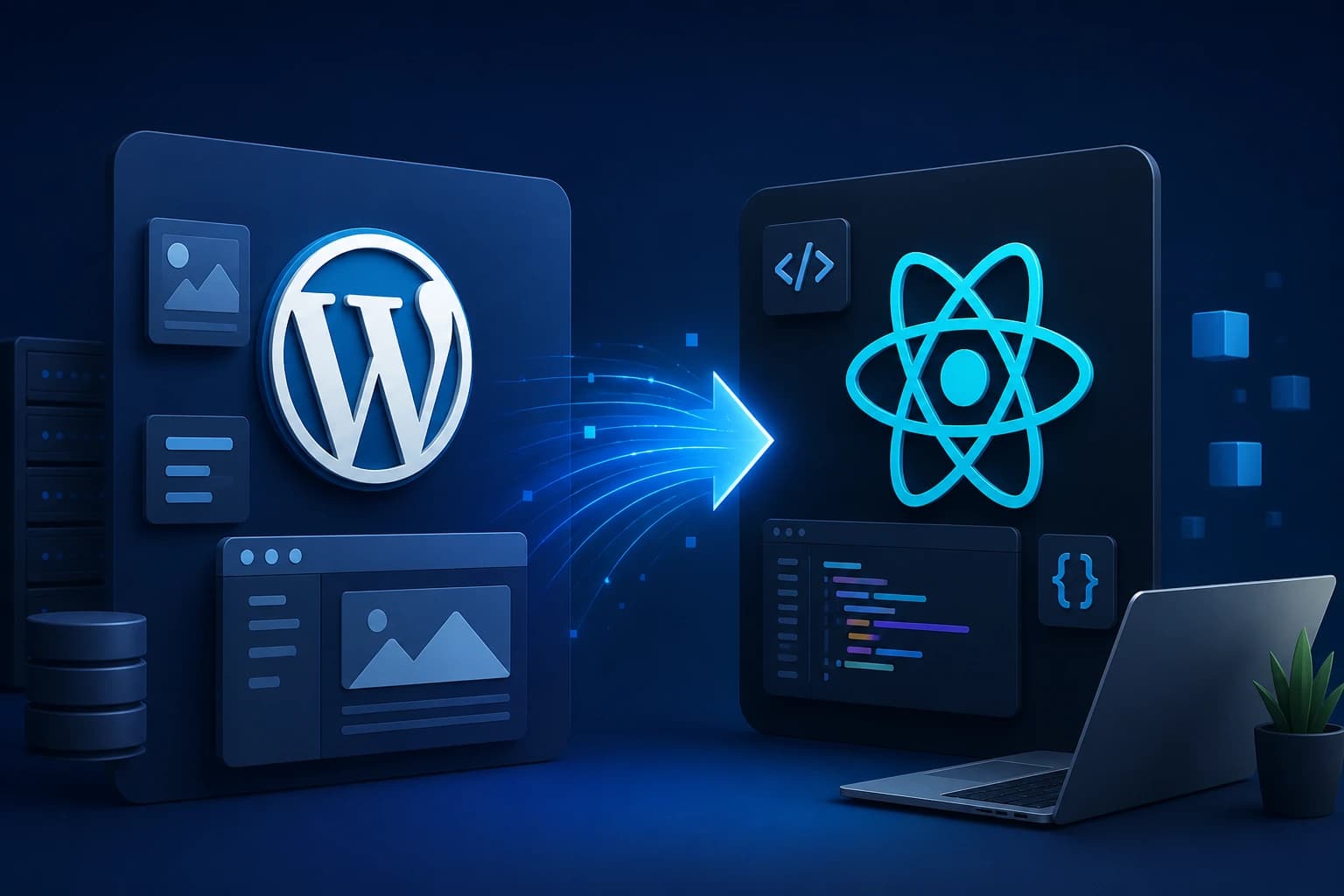
At its core, converting WordPress to React means decoupling your backend (content, database, admin) from your frontend (what users see). WordPress continues to manage content via its REST API or GraphQL, while a React application — typically built with Next.js — handles all rendering. This architecture is called Headless CMS.
You keep the WordPress editorial workflow your team knows. You throw away the sluggish PHP templates and replace them with fast, component-based React pages.
For Learn About: Monolithic architecture limitations, Click Here!
Why Convert WordPress to React? (The Real Reasons)
| Metric | Traditional WordPress | React (Headless) |
|---|---|---|
| Page Load Speed | 2–6 seconds (with plugins) | <1 second (SSG/ISR) |
| Core Web Vitals | Often fails LCP & CLS | Optimized by default |
| Security Surface | Large (plugins, PHP, DB exposed) | Minimal (API-only backend) |
| Developer Experience | PHP/jQuery era tooling | Modern React + TypeScript |
| Scalability | Vertical scaling, expensive | CDN edge delivery, horizontal |
| Content Editing | Familiar Gutenberg UI | Same WP admin, unchanged |
Developer Insight
In my experience migrating SaaS platforms from WordPress to Next.js, page speed improvements of 60–80% are common within the first week of deployment. One fintech client cut their bounce rate by 34% purely from the performance gain.
Step-by-Step: How to Convert WordPress to React
1: Audit Your Existing WordPress Site
Inventory all pages, post types, custom fields, plugins, and third-party integrations. Use tools like Screaming Frog to crawl URLs and document your content taxonomy. This prevents data loss during migration and shapes your API schema.
2: Enable the WordPress REST API (or Install WPGraphQL)
WordPress ships with a REST API at /wp-json/wp/v2/ enabled by default. For more efficient querying — especially on large sites — install the WPGraphQL plugin to expose a typed GraphQL endpoint. This dramatically reduces over-fetching on content-heavy pages.
3: Choose Your React Framework
For most projects, Next.js is the right choice. It supports Static Site Generation (SSG), Incremental Static Regeneration (ISR), and Server-Side Rendering (SSR) letting you fine-tune performance per page type. Remix is worth considering for highly interactive apps.
4: Set Up Your Next.js Project & Data Layer
Scaffold a new Next.js app. Create a data-fetching layer using fetch or Apollo Client (for GraphQL). Build typed interfaces for your WordPress content models. Abstract API calls so your components stay clean and testable.
5: Migrate Content and Rebuild Templates
Recreate your page templates as React components. Map WordPress fields to component props. Handle Gutenberg block content carefully tools like @wordpress/blocks and custom block renderers let you parse block JSON into React components without losing rich formatting.
6: Preserve SEO: Redirects, Metadata, Sitemaps
This step is where most migrations fail. Implement next/head or the App Router Metadata API for dynamic meta tags. Configure next-sitemap for automatic sitemap generation. Set up 301 redirects for any URL structure changes in next.config.js.
7: Deploy on Vercel or Cloudflare Pages
Deploy the React frontend to Vercel (optimal for Next.js) or Cloudflare Pages. Keep WordPress running on its current host — it becomes a private API server, not a public-facing site. Use environment variables to store API URLs and credentials securely.
8: Test, Monitor, and Iterate
Run Lighthouse audits on every key page. Test content rendering across all post types. Monitor Core Web Vitals in Google Search Console for 4–6 weeks post-launch. Use Vercel Analytics or Plausible to track real-user performance.
For Learn About: React framework vs CMS & React ecommerce architecture, Click Here!
Understanding the Architecture: Headless WordPress + React
The architecture has three distinct layers:
- Content Layer: WordPress (MySQL + PHP) manages all content, users, and media. Only accessible via authenticated API — never directly exposed to the public internet.
- API Layer: REST or GraphQL endpoints serve structured JSON data. WPGraphQL enables precise queries; ACF (Advanced Custom Fields) exposes custom field data to the API automatically.
- Presentation Layer: Next.js fetches data at build time (SSG) or request time (SSR), renders React components, and delivers HTML/JS bundles via CDN edge nodes worldwide.
⚠️ Authentication Gotcha: If your WordPress site has restricted content (memberships, gated pages), you'll need JWT authentication via the JWT Authentication for WP REST API plugin. Plan this before you start — retrofitting auth mid-migration is painful.
What Does It Cost to Convert WordPress to React?
$1.5K
Simple Blog
5–10 page site, standard templates, basic API setup
$5K
Business Site
20–50 pages, custom post types, SEO migration
$15K+
SaaS / Fintech
Complex data models, auth, custom blocks, performance SLAs
Timeline typically runs 4–12 weeks, depending on content volume, custom functionality, and how clean the existing WordPress database is. Poorly maintained sites with hundreds of plugins add significant scoping overhead.
Common Mistakes (And How to Avoid Them)
1. Breaking SEO with URL Changes
Changing URL structure without implementing 301 redirects is the fastest way to lose years of link equity. Map every old URL to its new equivalent before go-live. Google typically recovers rankings within 60–90 days with proper redirects — but only if they’re correct.
2. Ignoring Image Optimization
WordPress stores media in /wp-content/uploads/. When you go headless, you must either serve these through Next.js’s <Image> component (which handles resizing and WebP conversion automatically) or migrate to a CDN like Cloudinary. Serving raw WordPress media URLs from React kills your LCP score.
3. Over-Engineering the Data Layer
In my experience, junior developers reach for complex state management (Redux, Zustand) before they need it. For a headless WordPress + Next.js setup, React Query or SWR paired with simple API helper functions handles 90% of use cases cleanly. Keep the data layer boring.
4. Not Testing Gutenberg Block Output
Gutenberg stores content as HTML comment-annotated block markup. When you render post.content.rendered in React, you’ll likely encounter alignment classes, embed blocks, and gallery layouts that break without WordPress’s accompanying stylesheets. Build a block renderer early don’t leave it to the end.
5. Skipping Compliance Review for Regulated Industries
For fintech and healthcare clients, the move to a distributed headless architecture has compliance implications. Review your data residency requirements (GDPR, HIPAA) against where Vercel or Cloudflare routes traffic. Edge functions may process data in unexpected jurisdictions.
Fintech Insight
For a payments SaaS client, we had to configure Vercel's region settings explicitly to ensure no EU user data transited US edge nodes a requirement missed in initial scoping that delayed launch by two weeks. Always involve your compliance team before choosing infrastructure.
Frequently Asked Questions
Yes, this is exactly what the headless architecture preserves. Your editors continue using the WordPress admin panel (Gutenberg, ACF fields, media library) unchanged. Only the public-facing frontend is replaced by React. Content teams often don’t notice any difference in their workflow.
If done correctly, your SEO should improve not suffer. Next.js with SSG/SSR serves fully rendered HTML to search bots, which is equivalent to or better than WordPress PHP rendering. The key risks are URL structure changes and missing metadata, both of which are solvable with proper redirect mapping and the Next.js Metadata API.
React is a UI library it only handles rendering components in the browser (client-side). Next.js is a full framework built on React that adds server-side rendering, static generation, routing, and API routes. For a WordPress migration targeting SEO and performance, you almost always want Next.js, not bare React.
Simple sites (under 20 pages, standard content types) can be migrated in 3–4 weeks. Mid-sized business sites run 6–8 weeks. Complex SaaS or eCommerce platforms with custom post types, membership systems, or WooCommerce integration typically require 10–16 weeks for a production quality migration.
No, your content stays in the WordPress database throughout the migration. The React frontend fetches it via API. You only rebuild the templates (how content is displayed), not the content itself. This is one of the biggest advantages of the headless approach versus a full CMS switch.